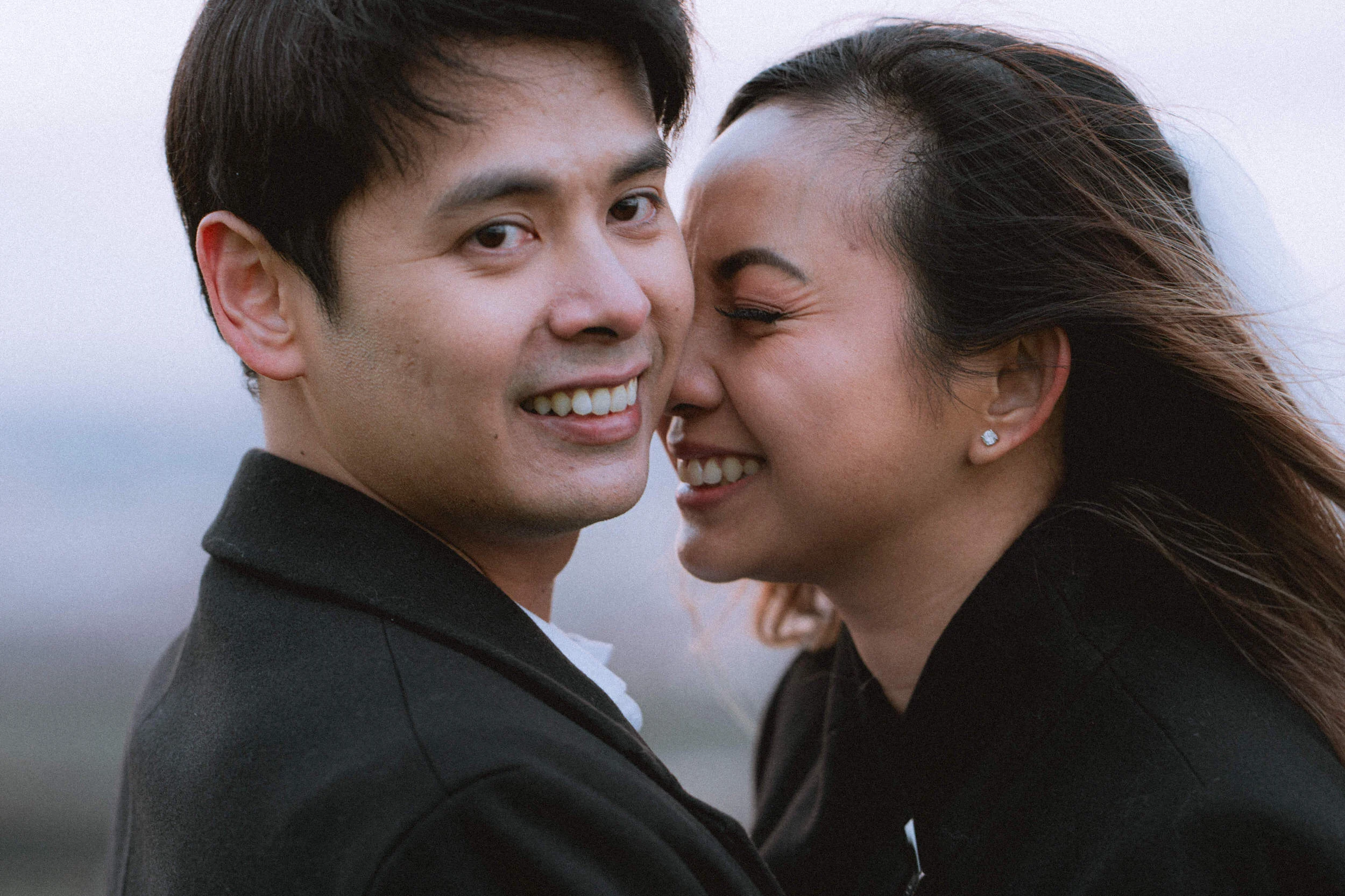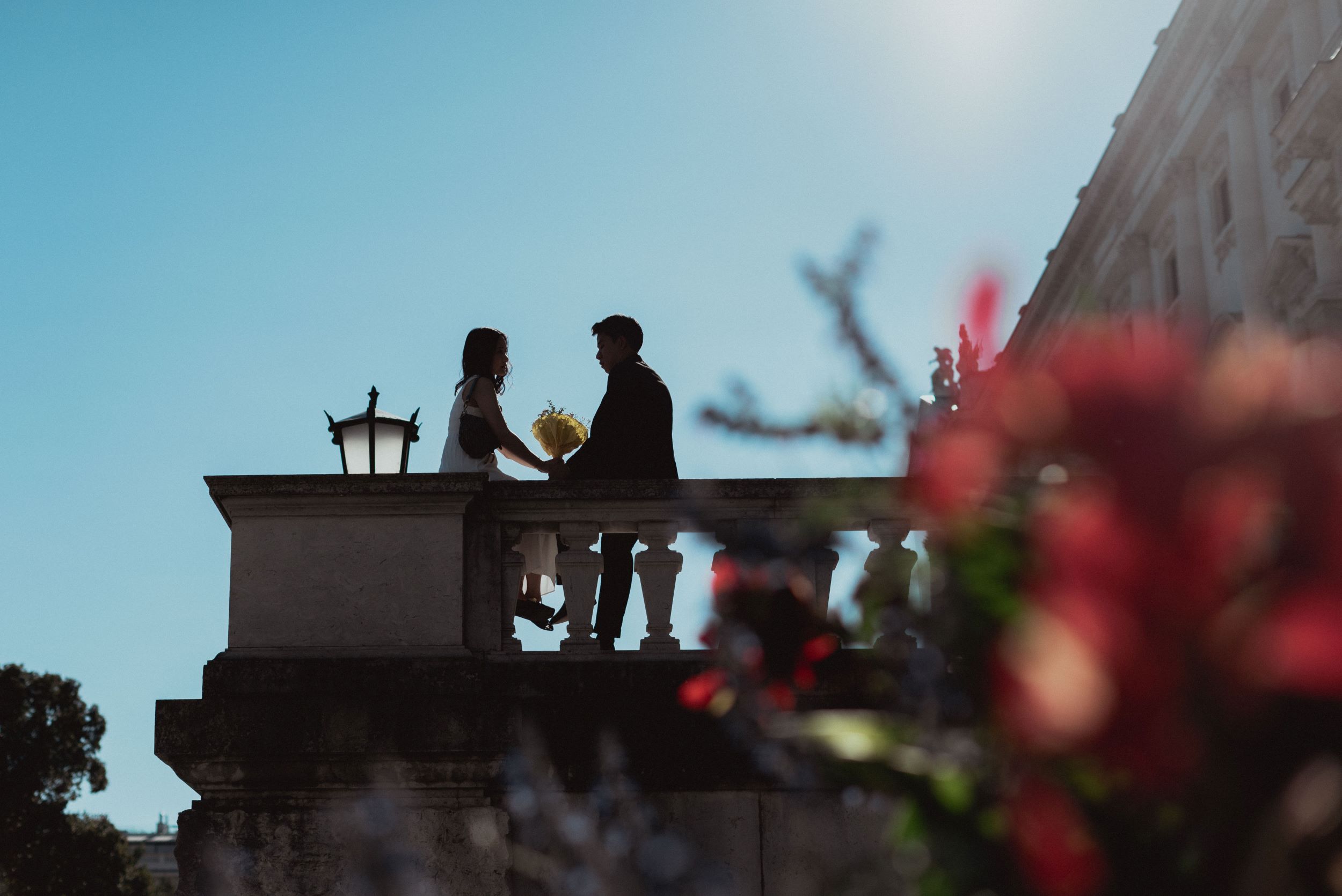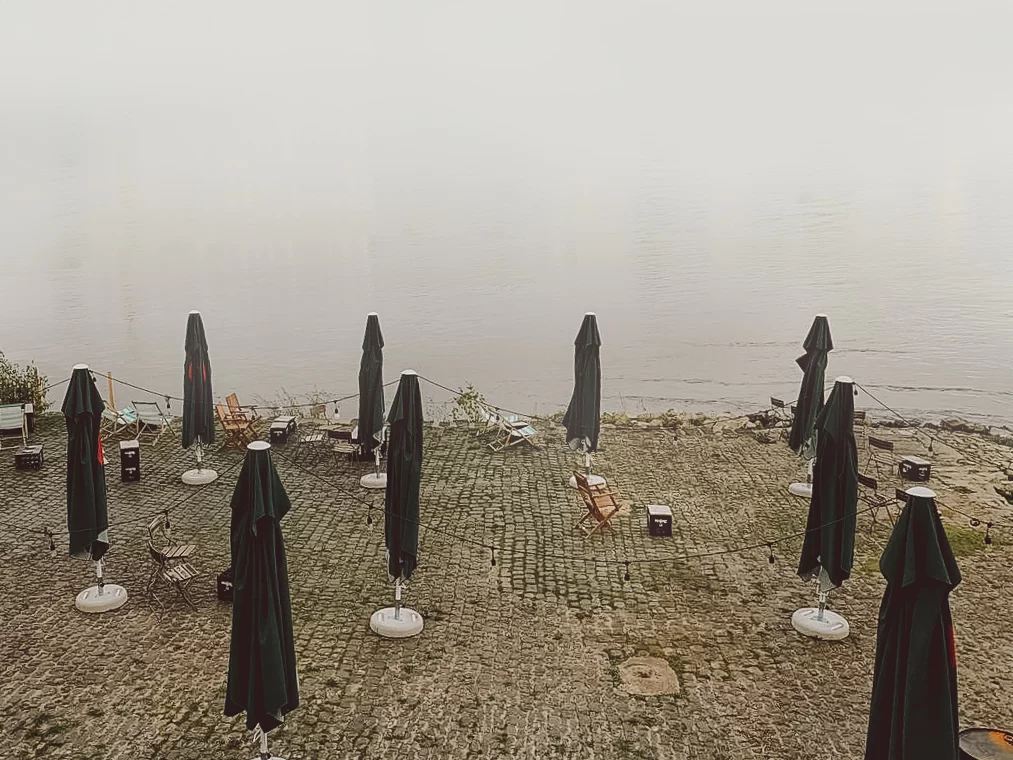
It might seem to be easy to take photos with a phone, you just press a button and the picture is taken but how can you do photography using your phone?
In this blog post, I want to discuss the limitations you have when doing phone photography and describe what you can do to create powerful images. So this is the post describing how to take professional pictures with phone, read till the end to learn photography!
Limitations of Your Phone Camera
Of course, your phone has a very small camera sensor and because of that, you have a lot of distortions. you also have a very small dynamic range meaning that you can not capture all of the highlights and shadows as you can do on a professional camera. Still, as a famous quote says the best camera is the one you have with you which means that having a good phone camera is better than having nothing.
An annoying bug of Iphones is that in low light conditions they take long exposure pictures but don’t show you that the picture is being taken and you never know how long you should stay still.
Deep depth of field
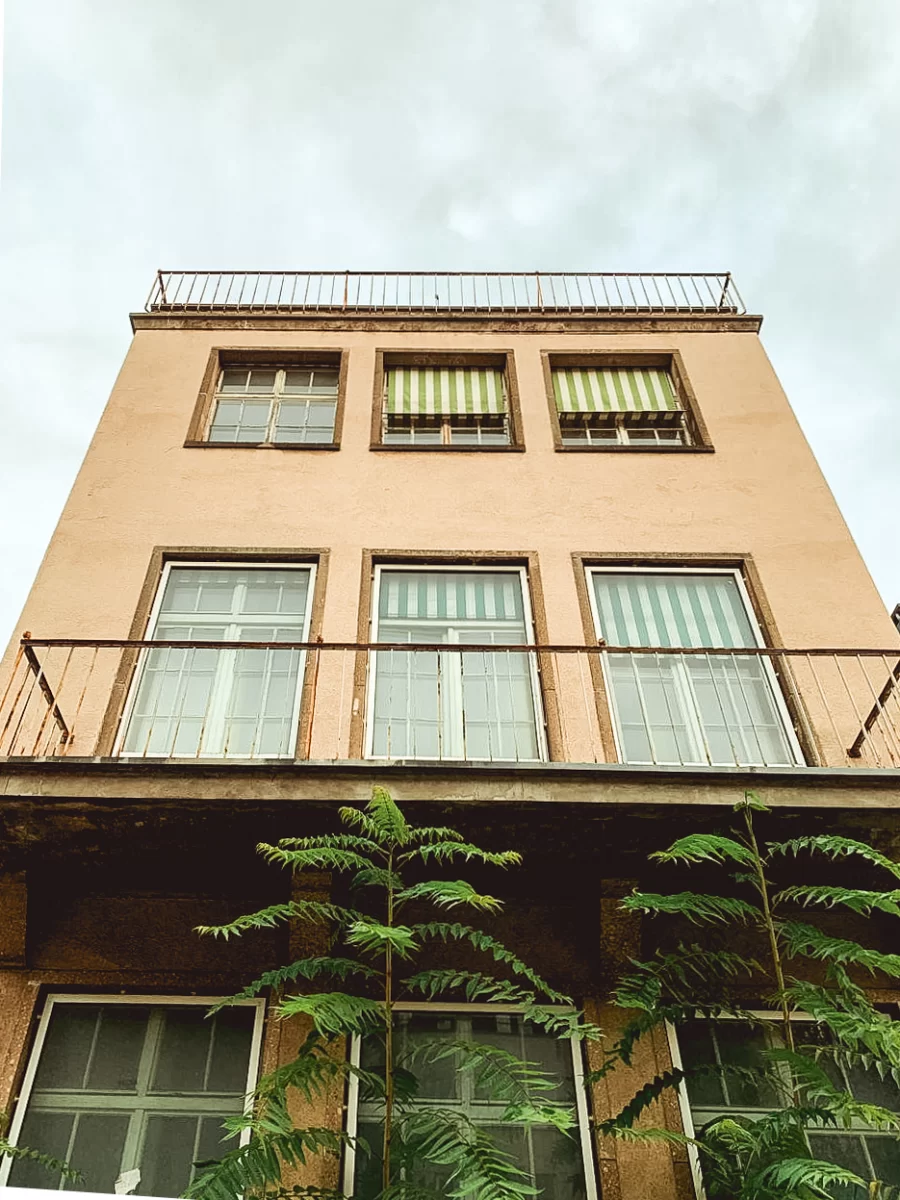
Phone cameras due to the small sensor and bad lens are having a very deep depth of field, which means that you have to always think of composition more. And you cannot blur the background.
The size of the phone camera sensor is about four times smaller than of the Professional cameras
Still, you can find, a lot of apps where you can imitate shadow Deep Field. The New technologies offer many options to imitate some professional cameras. You can even create oval bokeh on the background, like with cinematic anamorphic lenses.
Of course, these apps, at least in the near future won’t fake the real lens blur, and the shots will look only like a parody.
Wide lenses

Aside from that phones have very wide lenses and usually, it’s quite hard for beginners to take pictures with these wide lenses. Since you have a lot of details in the frame and need to think of how to compose them.
Here the new iPhones and other phones with multiple cameras will help. Since they have narrower lenses too. But at least on iPhone 11, the wide lens is awful, it’s because on such a small sensor you can’t have less distortion and higher quality. So much information can’t be packed into such a small sensor. At least for now
Manual Mode.
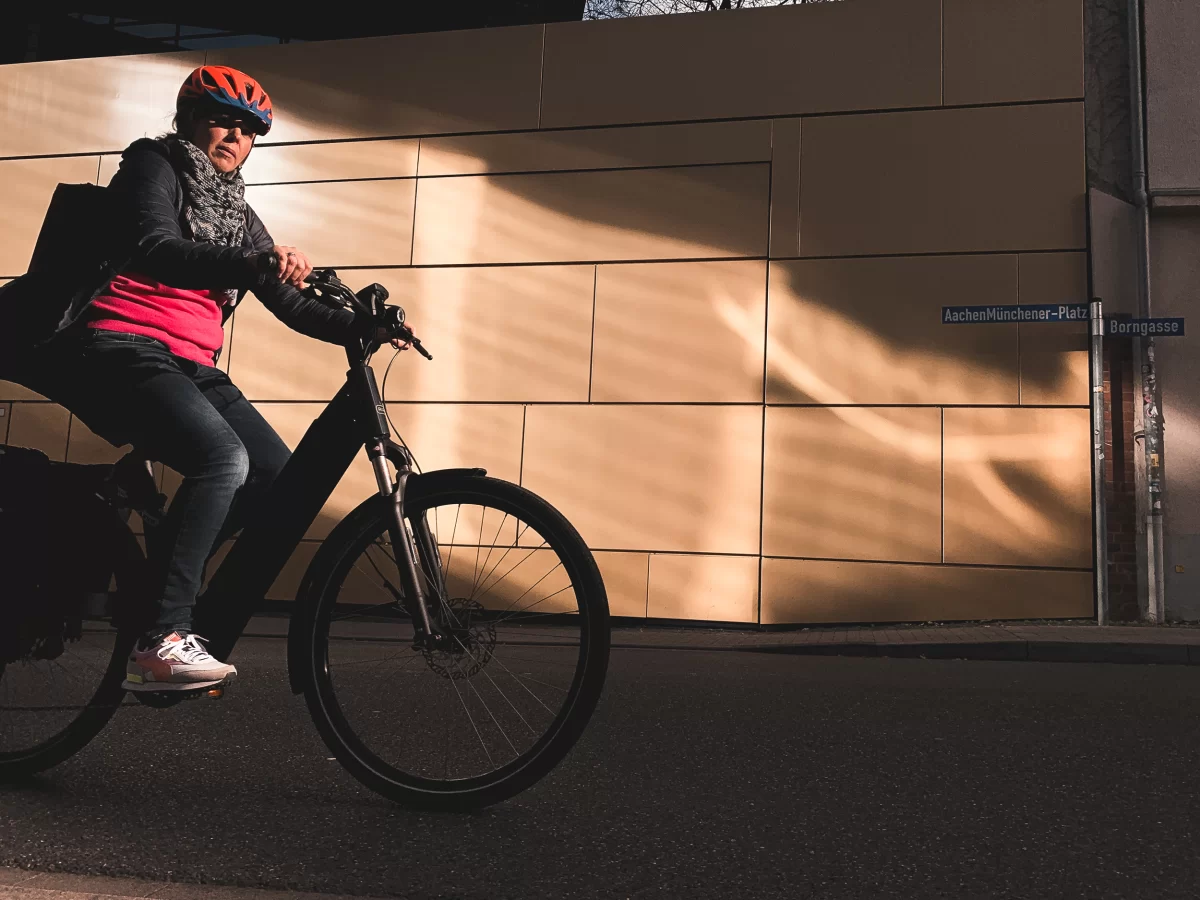
In the classic apps for phones, you only have the auto mode and you can not adjust all of the settings for your shot. But there are plenty of apps where you can set the right aperture, shutter speed and ISO. If you don t know how to use all of the settings, you can still adjust the brightness of a picture in the basic app of course.
Which Are The Best Mobile Apps For Photography
For IOS it’s ProCam and for Android it’s Camera FV-5. Both apps will give you manual control over the whole process and you will be able to change all of the settings like shutter speed, aperture and ISO.
Phones are quite limited when we talk about taking pictures but it’s not that bad.
Of course, creativity is about limitations and having these limitations will help you to work more on improving your photography skills. It is the same as creating a design project with one palette or having the choice out of all hundreds of thousands. If you wonder how to take good photos with phone, my reply is that you need to focus on the composition. It’s harder but possible to take great photos with a phone.
There are good photographs taken on the phones
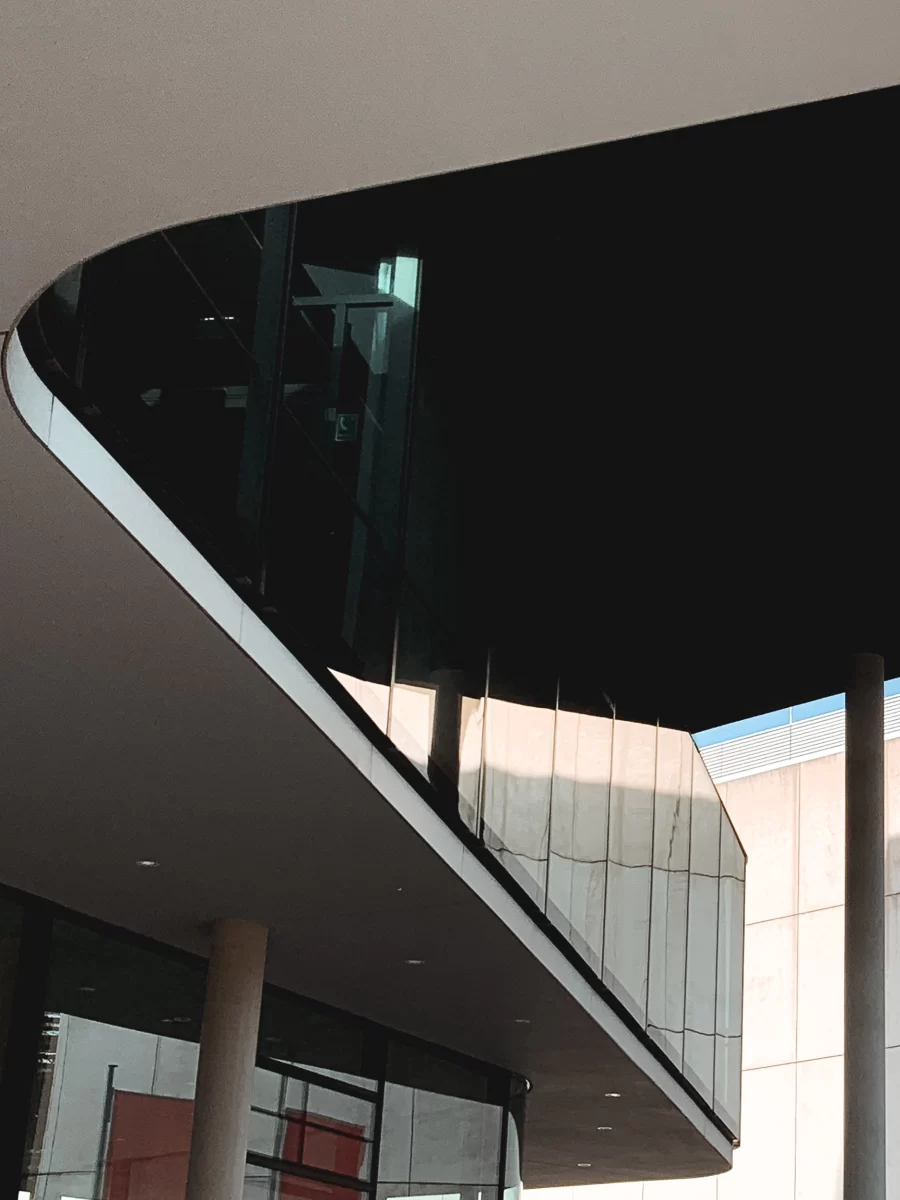
Since it’s available to everyone we can see pictures taken on phones every day and it might seem that they are bad. Of course, on average there are more good photographs made with professional cameras since professionals rarely use phones to take pictures.
Check out this website to see the results of the previous year’s winners of mobile photography awards. These are not masterpieces but some of them are good. Although some of the photos are actually quite bad. Check out rather silhouettes, street photography, black and white and people genres. I think the pictures there, are the best.
So how to take photos with a phone?
My advice will be focused, of course, on the composition and exposure. Some fancy tricks will only help you to create another picture using a template (a trick). But it won’t make you learn how to take pictures.
mobile photography tips
- If you just started out – try using the rule of thirds. Place your main subject on a third of a frame. You will usually have a grid on the camera
- Try to have less of details in the frame and come closer to your subject. That way you will have a better photography composition. It’s the most important!
- For portraits don’t use portrait mode. Rather find a minimalist background like a plain wall
- If you can change the brightness of an image by tapping on some part of it, It’s better to expose the shots a bit darker to keep more details in the highlights
I have taken a few shots to share with my family but then decided to share them in this article. I thought a lot about how to take pictures on my phone since it’s not really made for photography. The main problem I encountered is that on my phone (iPhone XR) the camera is extremely wide. It’s very hard to take shots of anything farther away. If you want to take photos with a phone like mine, 90% of the time you should forget about photographing anything farther than 10 meters away from you. You can do landscape photography and photograph something far only if the landscape is minimalistic. Otherwise, there will be too many details and the shot will be boring.
Tripods For Phone Photography
If you plan to do some self-portraits and not just selfies, I would recommend buying a tripod. They can be super cheap for phones. For my professional camera, I have spent 90€ + 40€ for 2 tripods (which is quite cheap) but for the phones, the prices would be below 25€. Check out this one for example. Aside from self portraits you can use that for long exposure photography with a phone.
How to do long exposure mobile phone photography
Long exposure photography is when you use longer shutter speed. For example, you have probably seen these photos with light tracks left by cars. Similarly you can put your camera on a tripod and using any, more or less, advanced app set a desired shutter speed. Aside from that if you want to take a landscape picture at night you would have to use shutter speed longer than 1 second. And you can do so only either with a tripod or by putting your phone somewhere. I would also recomment setting up a timer to not blur the picture when pressing the button.
How To Take Pictures of Yourself Alone
Not always we have someone around to take a picture of or take a picture of ourselves. If you’re interested in photography and want to try it out you can start from selfportraits.
When Taking Self-Portraits Be As Creative As You Can
Self portraits is another genre and you can try to create different concepts and imlement them with your phone camera. You can use different reflections and choose different locations. Your possibilities are almost endless when you do photography. Sometimes you would need a tripod, of course.
Below you can see some of the examples of self portraits that I have done.


I could post a simple self portrait but this is too easy)). To take self portraits of course you need to learn photography overall.
To learn photography faster I highly recommend reading this article:
Top 10 Ways To Improve Photography Skills. Learn Photography Faster
More photographs that I have taken on my phone
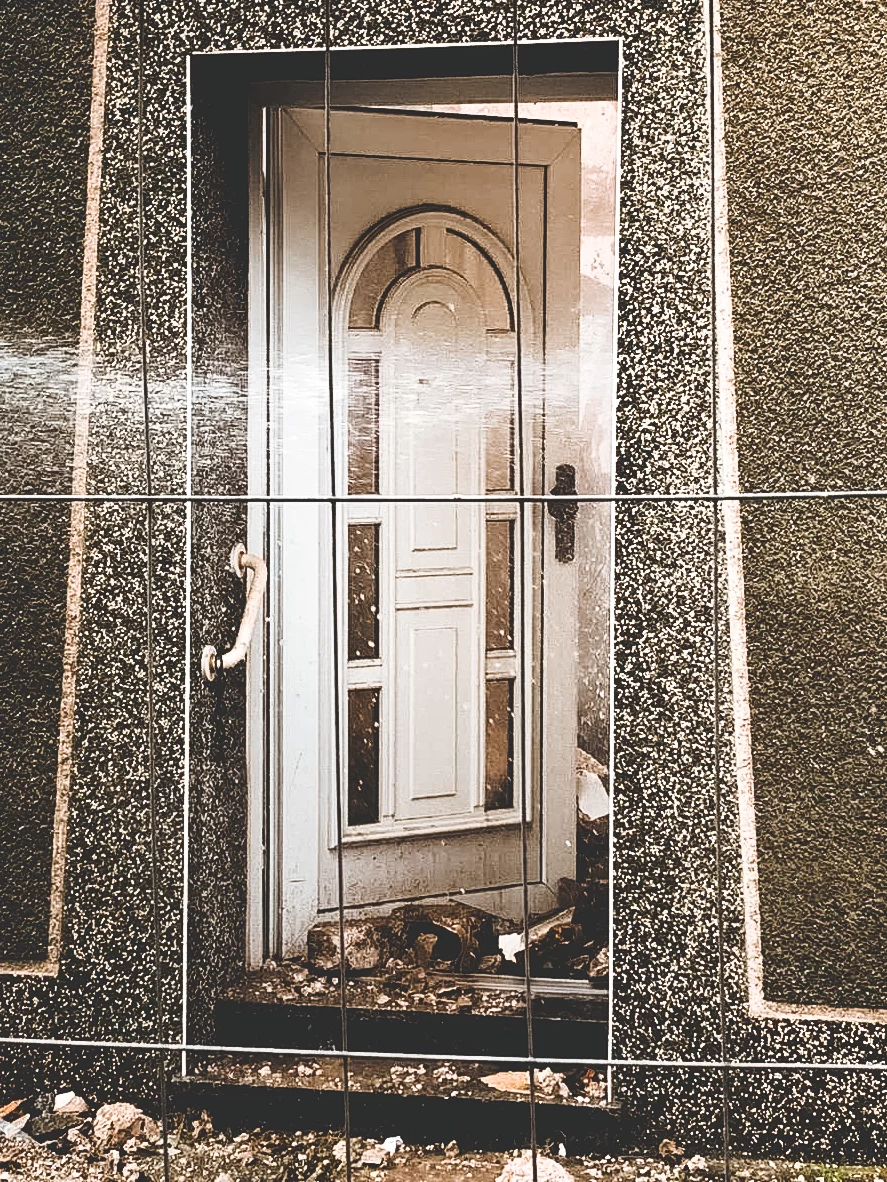
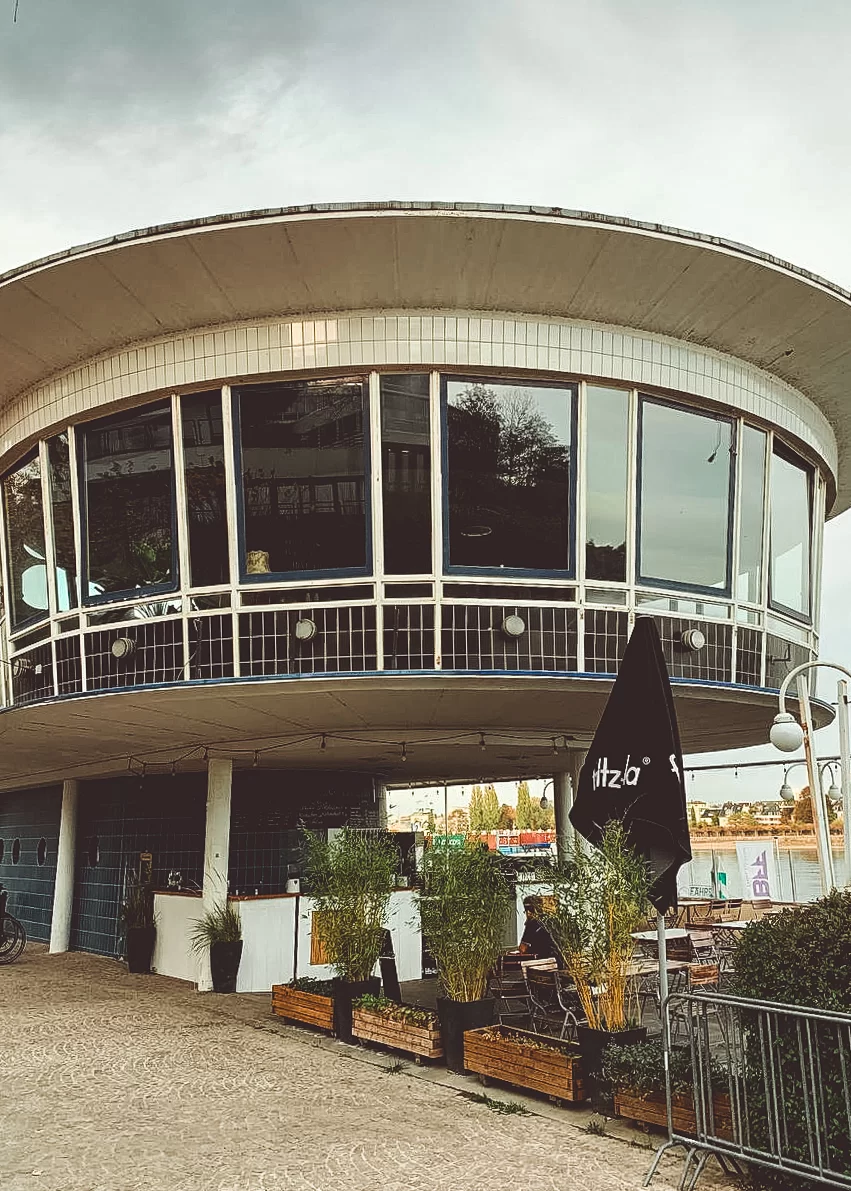
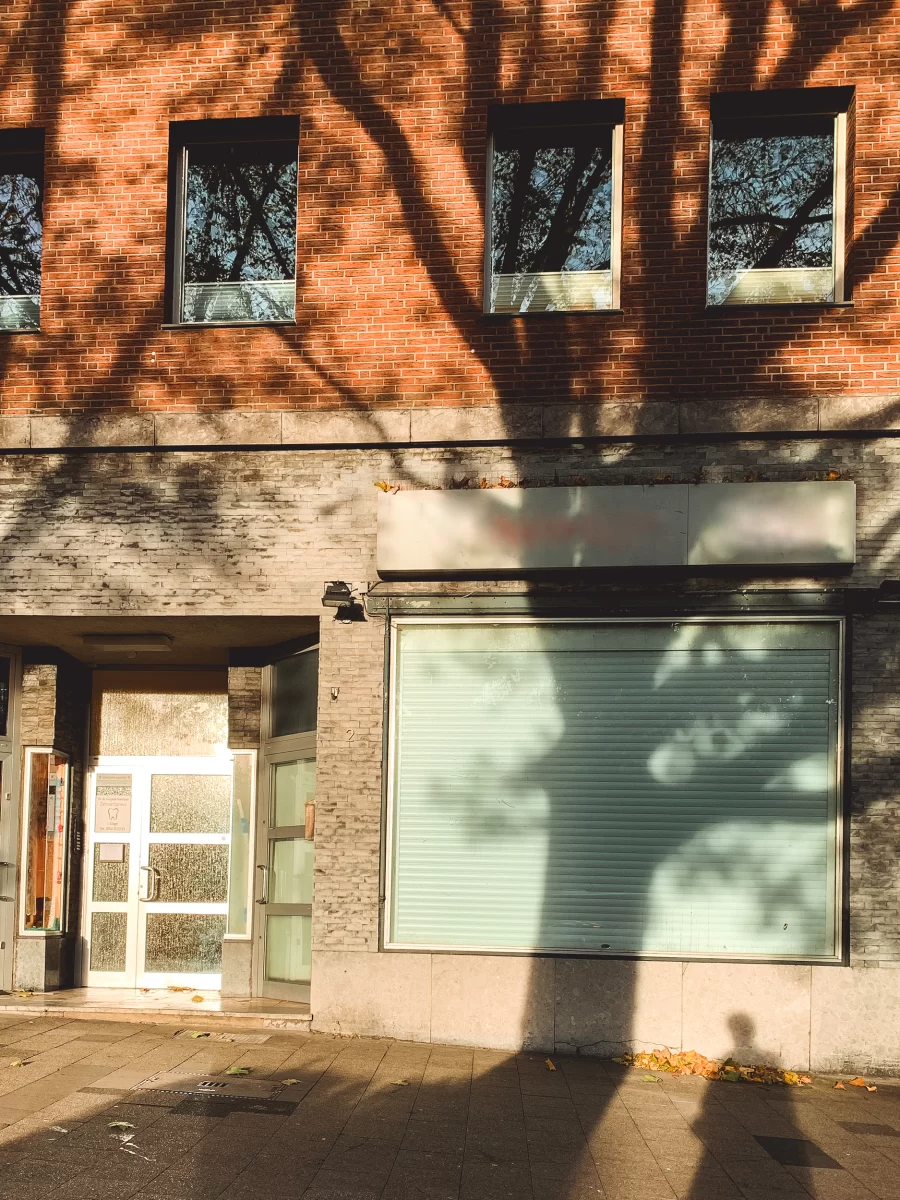
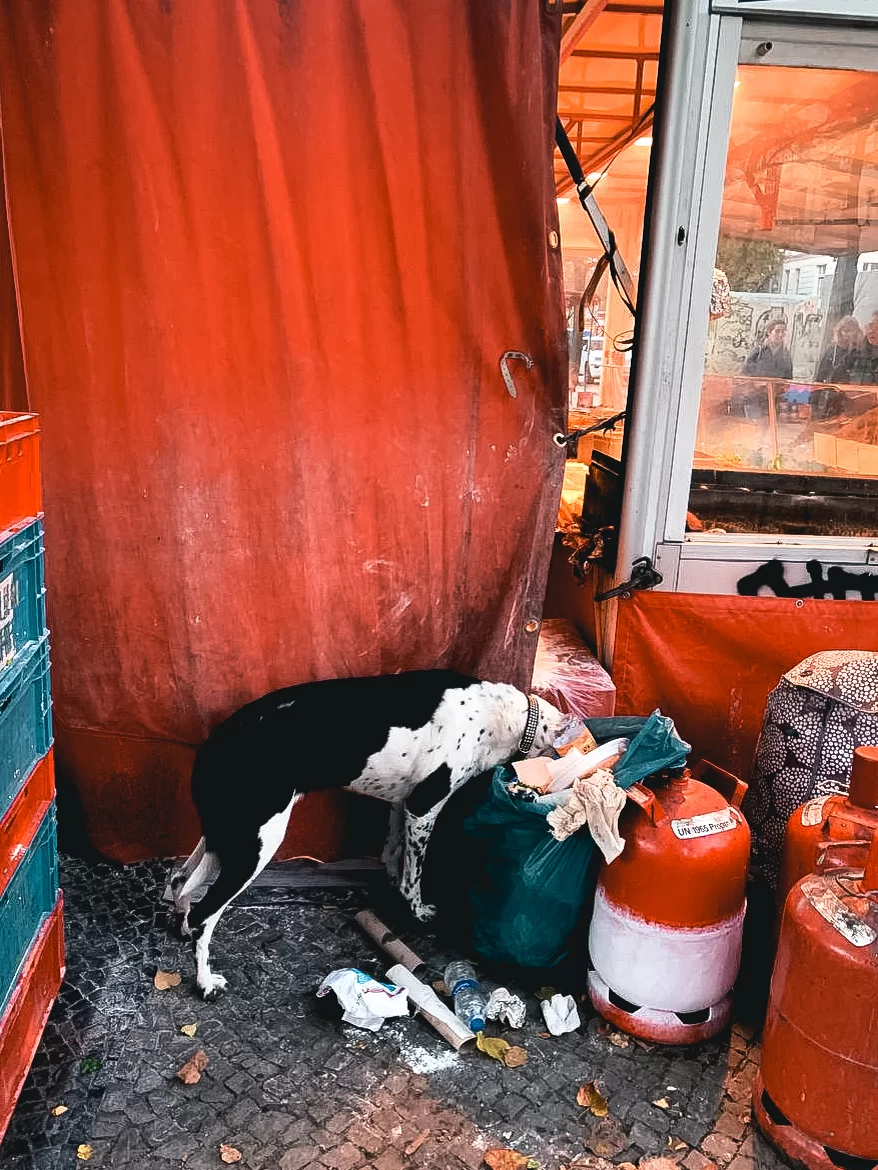
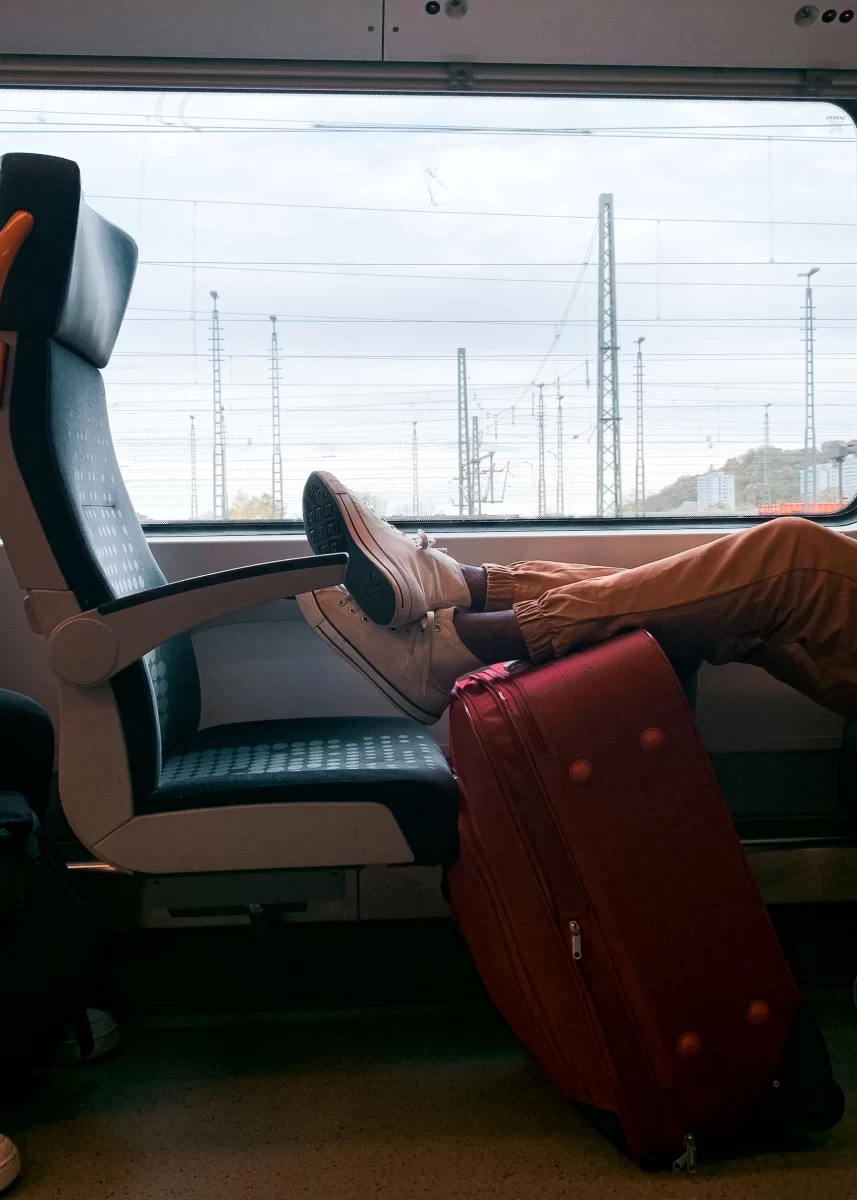
These are all the smartphone photos I have taken for this post. I hope this gave you some insight and gave you inspiration to try out new things when taking photos with a smartphone.
If you would like to see more of my works I have them in the following articles:
My Portrait Photography In Berlin In 2022
How I Did An Editorial Photoshoot in Berlin. Portrait photos and notes.
Photos of Georgia in 2022. Amazing Trip with Ricoh GRIIIx (1)
I plan to do some more sophisticated mobile phone photography later and update this post
Hope you enjoyed reading till the end and if you did, please subscribe to my newsletter, that will help me a lot to keep this blog running!
How to take photos with a phone by portrait photographer in Berlin Fedor Vailev.