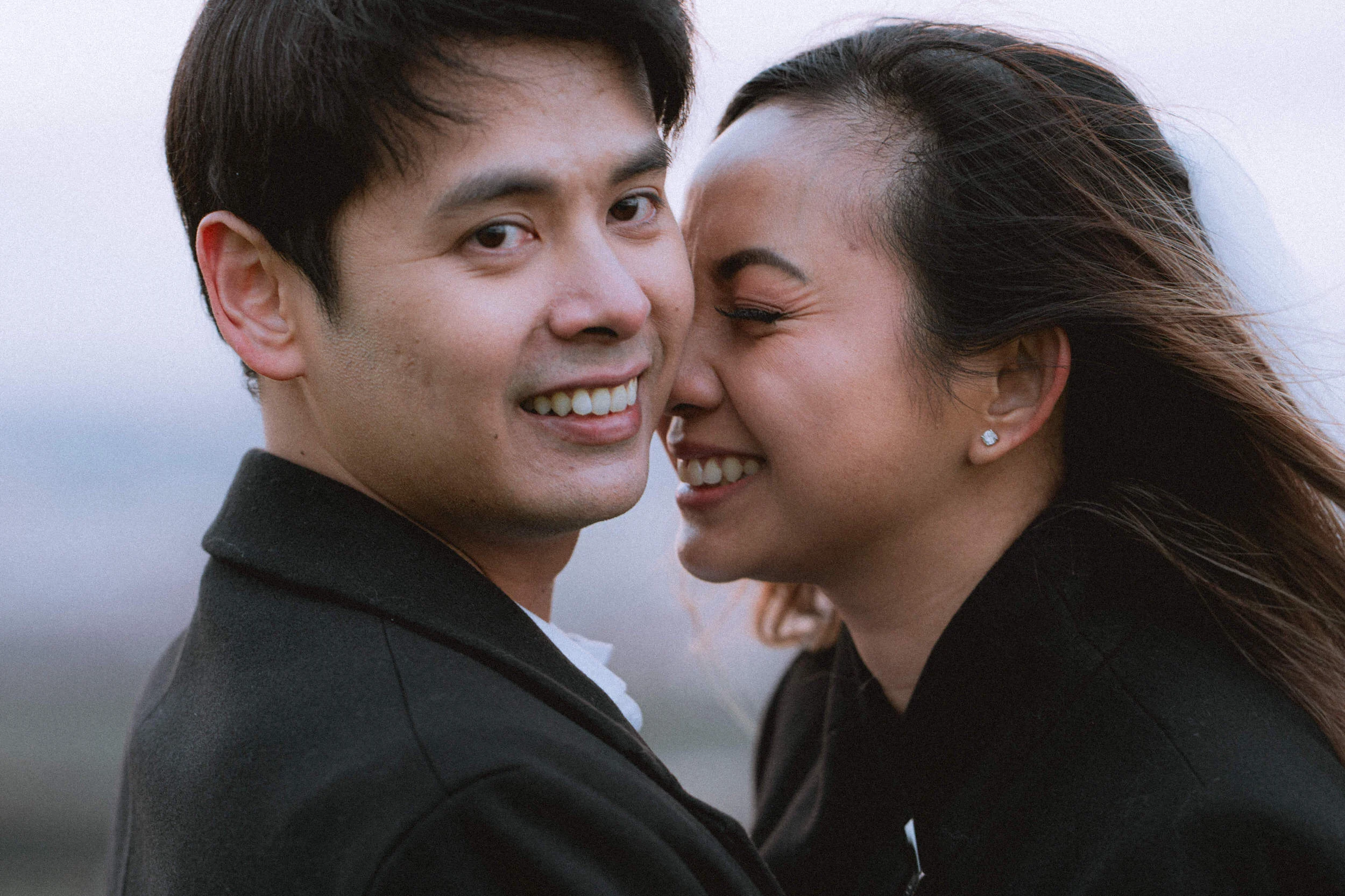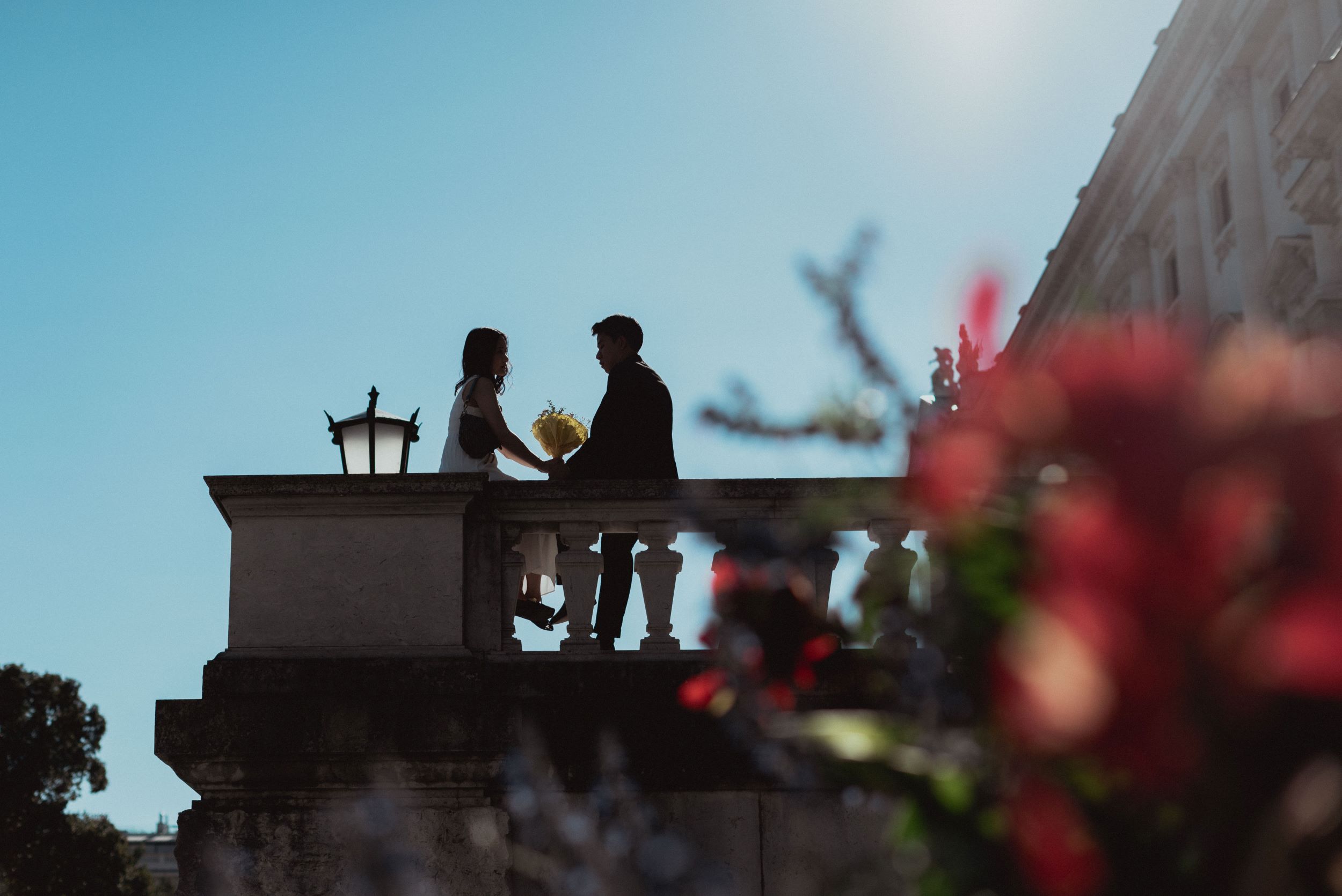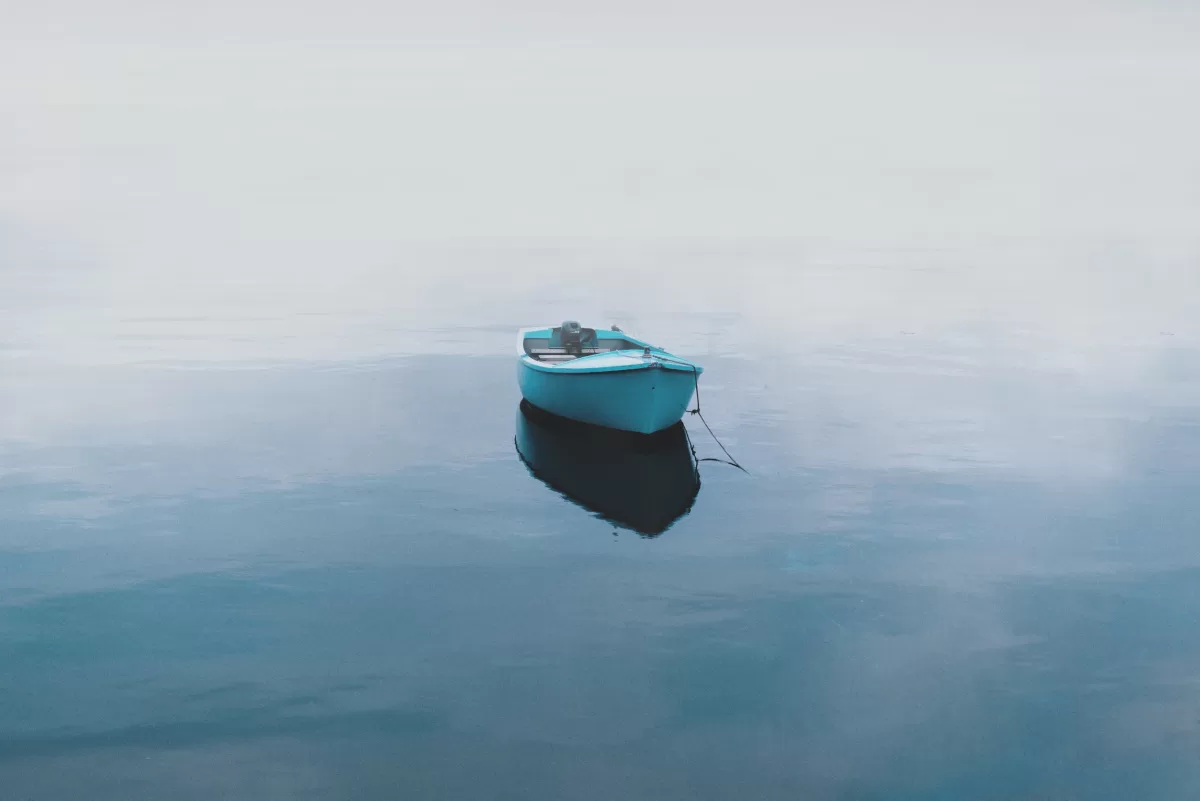
In this post, I want to discuss how you can apply the right contrast in photography. Contrast is one of the variables that define your style, so it can be very different overall. But when defining what contrast to add you your images you can take in mind a few things that will help you to choose the right one.
This post is quite advanced. If you have just started doing photography you can first check out my other tips on how to learn photography:
Top 10 Ways To Improve Photography Skills. Learn Photography Faster
This post is also relevant to the topic:
Light In Photography. Understand Lighting When Taking Photos
What contrast I’m planning to talk about
Of course, it would be simple to tell that you can set the desired contrast on the whole image. You can do that by adjusting the basic settings and curves. But this post is rather more complex
How we see things
The way our eyes see the world is quite complex there are 3 separate systems. They process the visual information separately and then combine all of that in our representation of the world. I will not go deeply into the details since we are talking about photography here, not biology.
Most importantly we usually see abrupt changes better than gradual ones.

If you can’t see that the gradients above have the same value on the side edges of the picture – try to cover the middle.
How important is it to set the right contrast for your photos
So the contrast is very important since it attracts viewer attention. For example, if we look at portrait paintings, some painters did add more contrast to the most important parts of the painting – the eyes. Pierre-Auguste Renoir used this technique a lot when he painted more details and contrast, especially on the faces.
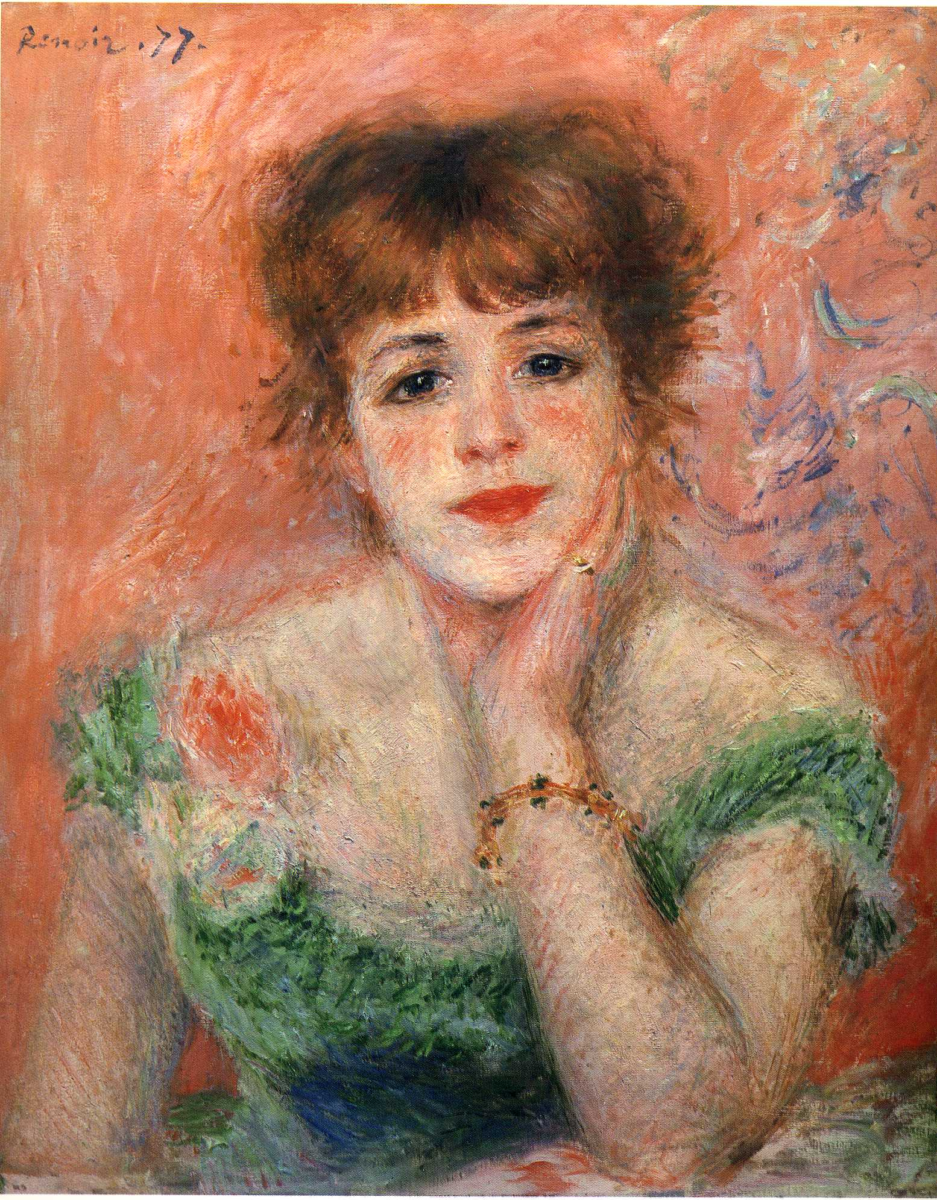
Sometimes draughtsmen even left the rest of the picture in the state of sketch rendering only the face.
Of course we – photographers have different tools, although when thinking about the contrast we can apply the same rules.
Colour perception same as value contrast
Our vision also has better colour perception on the edges and abrupt changes. The way we see the colour of an apple is rather because we see the contrast of its green/red edges to the surrounding areas.
This is what I would definitely note for a better understanding of the contrast in photography.
So how can we use it to get the desired contrast in photography
Taking in mind everything that I said above, when editing your pictures, you can think of a way to partially change the contrast of an image as well as set a more pleasing contrast over the whole image.
If you use lightroom you can apply the adjustment brush to the selected areas and very slightly change the contrast and vibrancy.
I also described this technique in my other post:
The importance of photo editing. How to make any picture appealing
But to say shortly, you can try to lower the contrast on the less important parts of an image. That way it will be easier for the viewer to focus on your subject. When we look at a photograph we easily disregard parts of it that seem to be less important.
The wrong use of contrast in photography
When we talk about the contrast overall, it’s a personal preference, but still, to use it masterly you need to sometimes let your eyes get some rest and come back to editing in a while. I used to have too strong contrast overall and clarity in my images. That created too many local contrasts and made my images disoriented. Especially when you take a picture of a scene with a lot of details and then pull up the shadows and clarity, you get a lot of clutter.
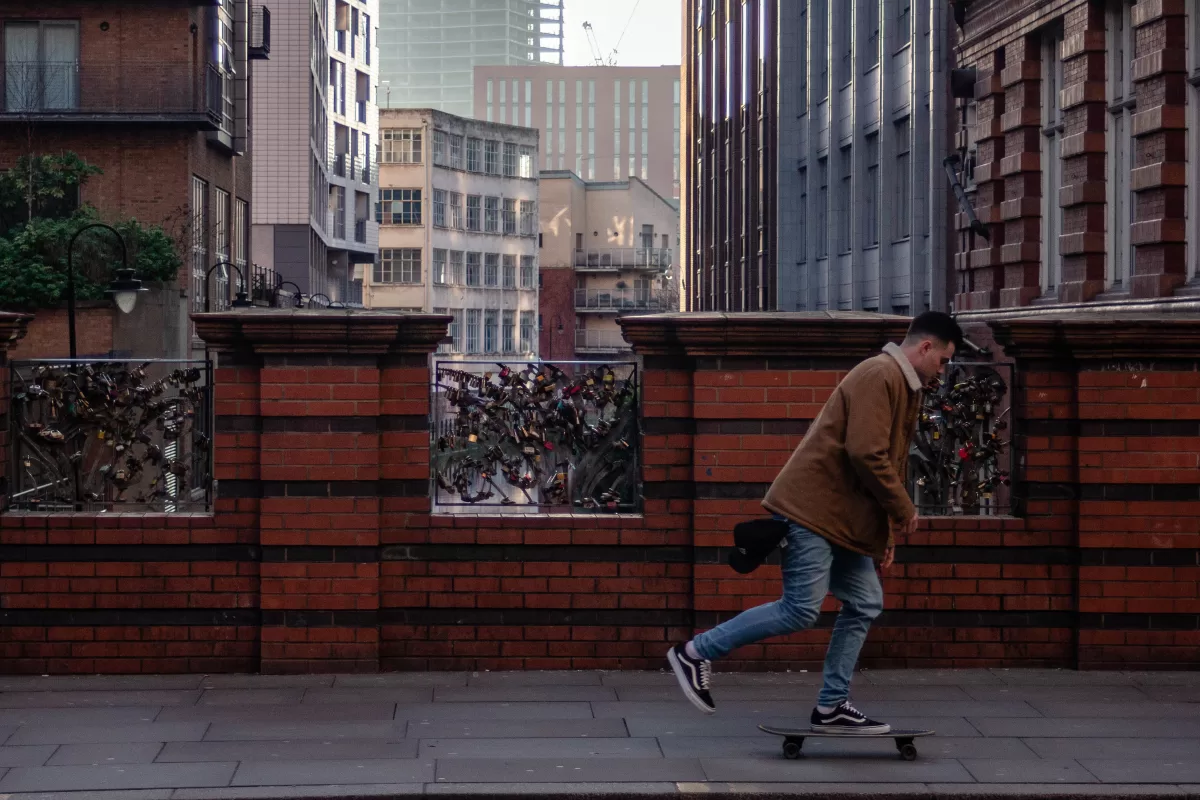
For example, the picture below is one of my bad images from 2019. Here I have a whole mess. A lot of contrasts, mostly in the background and it has too many details there. They all are overpowering the foreground and make this picture rather boring.
How to fix the overload with contrasts
To make your images less chaotic try to seek for fewer textures in the backgrounds and surrounding areas from your main subject of an image. One of the ways will be to lower the clarity and another to darken them.
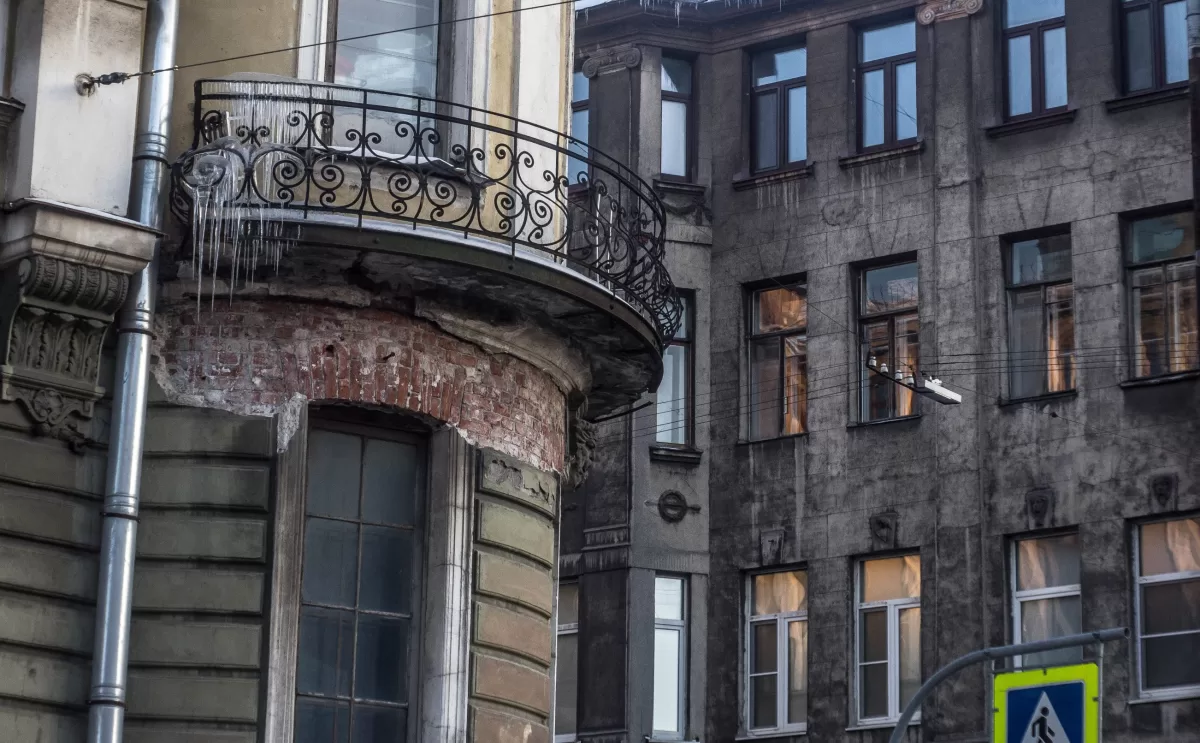
For example, the image above is the image I took 5 years ago. It’s quite bad since overall there are textures and contrast evenly distributed as well as I have that super contrasting vibrant green colour on the bottom edge. This image could be better. Although I won’t make a masterpiece out of this since it doesn’t have a concept.
To learn more about concepts you can check out this article:
How To Convey Ideas Through Photography. Find Your Genre
Using curves
Below you can see how I improved it to understand what I mean by changing the contrast and shifting it towards important parts.
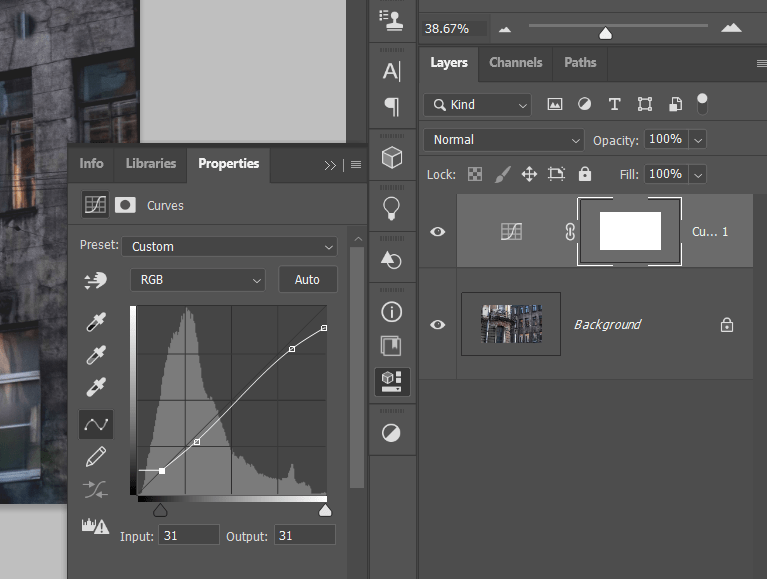
Later I apply a mask layer and paint out the part of the photograph where I want the contrast to be lower.

Lowering the clarity
Later I use the camera raw filter and lower the clarity on the less important areas again using a mask. After I add vibrancy and a bit of texture to the more important areas.
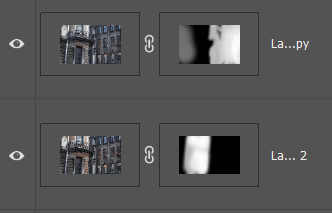
Gradient map for lowering contrast in photography
And at the end, I add a gradient map filter. It works in a way that it paints the picture in the colours you choose, according to which colour you set to a specific value. That also helps to quickly remove some of the textures and details and keep the image more smooth.
To find out more about gradient map filters check out this post:
Gradient Map – Powerful tool to improve the post-processing of your photos
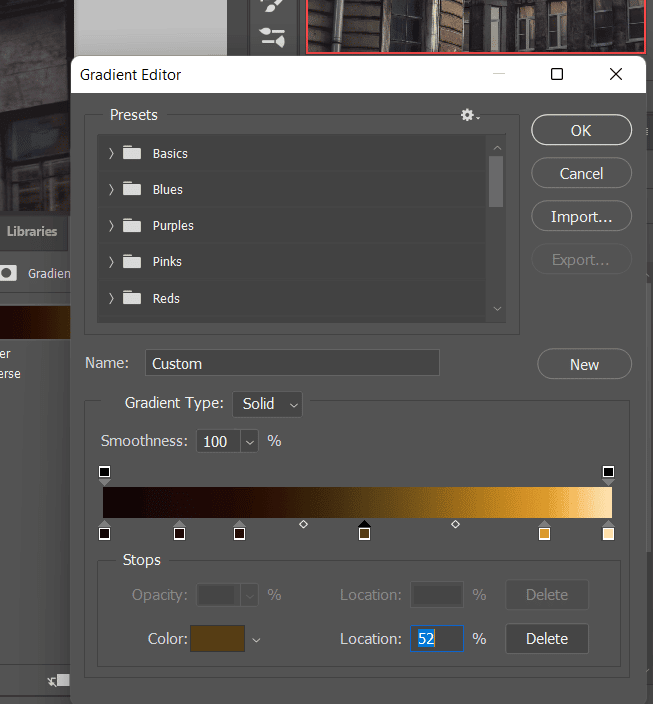
To make you understand better what it’s doing I will show you how it works on 100% opacity.
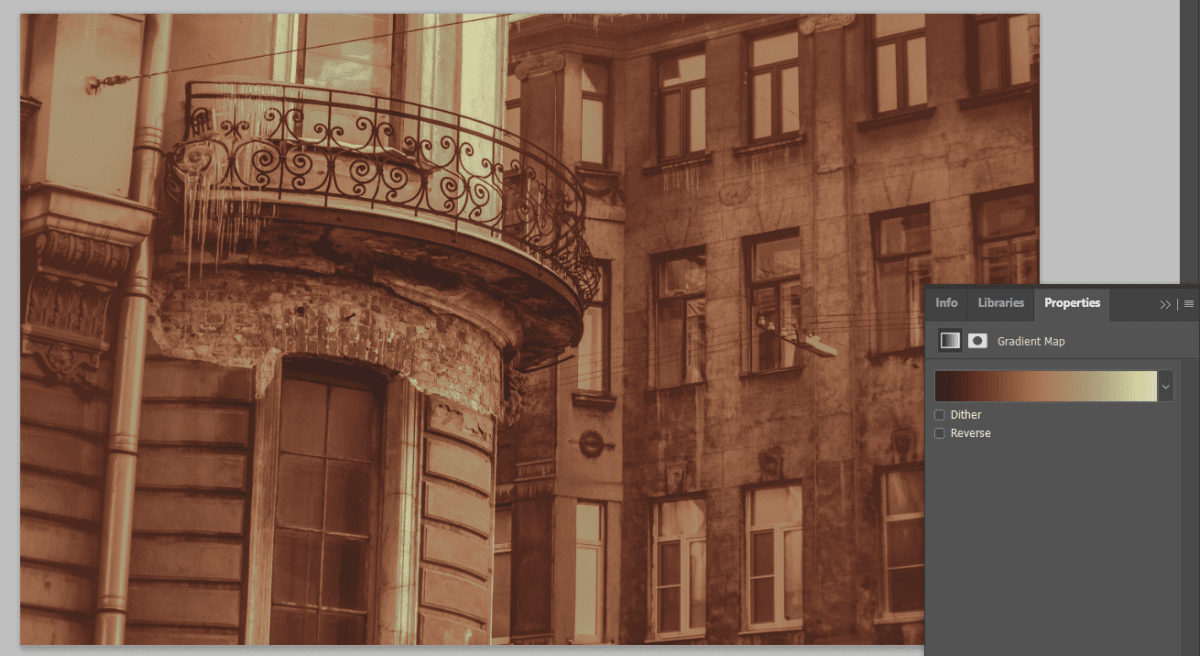
Before and After
And Finally here’s my edited version
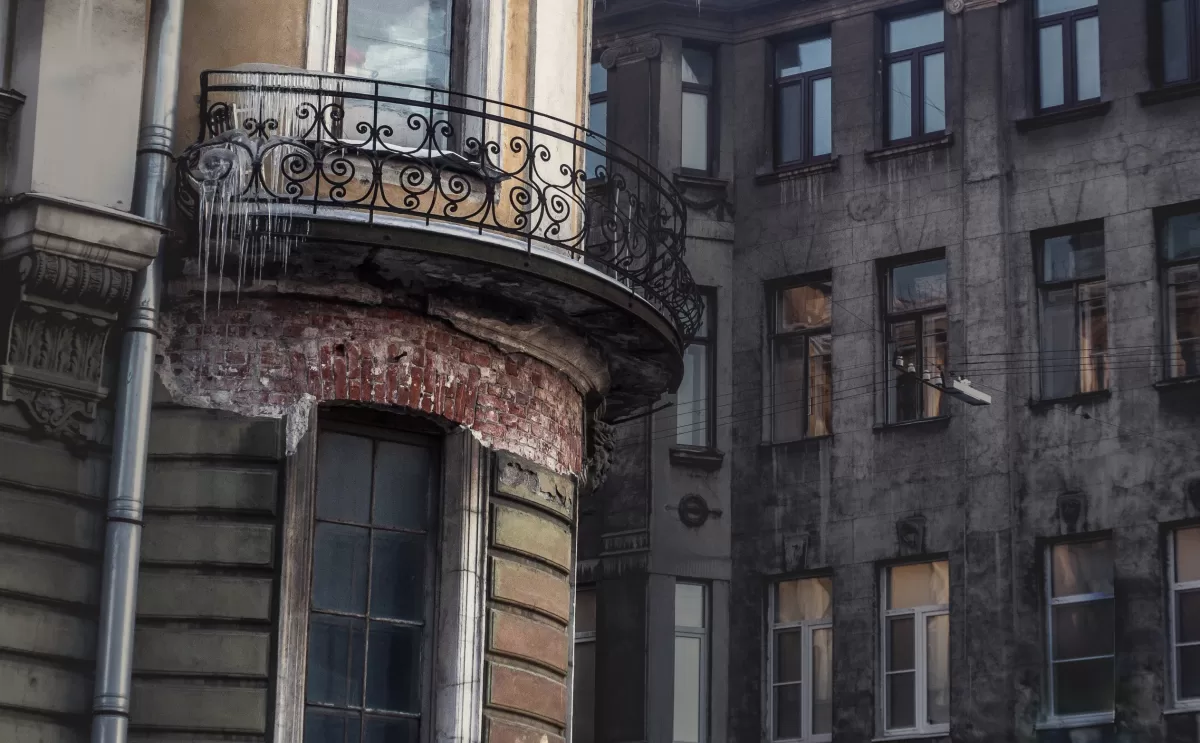
So you wouldn’t need to scroll here is the before version.
Contrast Overall changes the mood of photographs.
Of course, strong contrast can be aggressive as well as weak contrast can make a peaceful atmosphere. But also when we look at art pieces, we see the values the first and impressionists used that a lot.
- Softer contrast makes everything more detached and airy.
- Strong contrast is bold and puts everything in its place.
We can’t achieve a very strong contrast
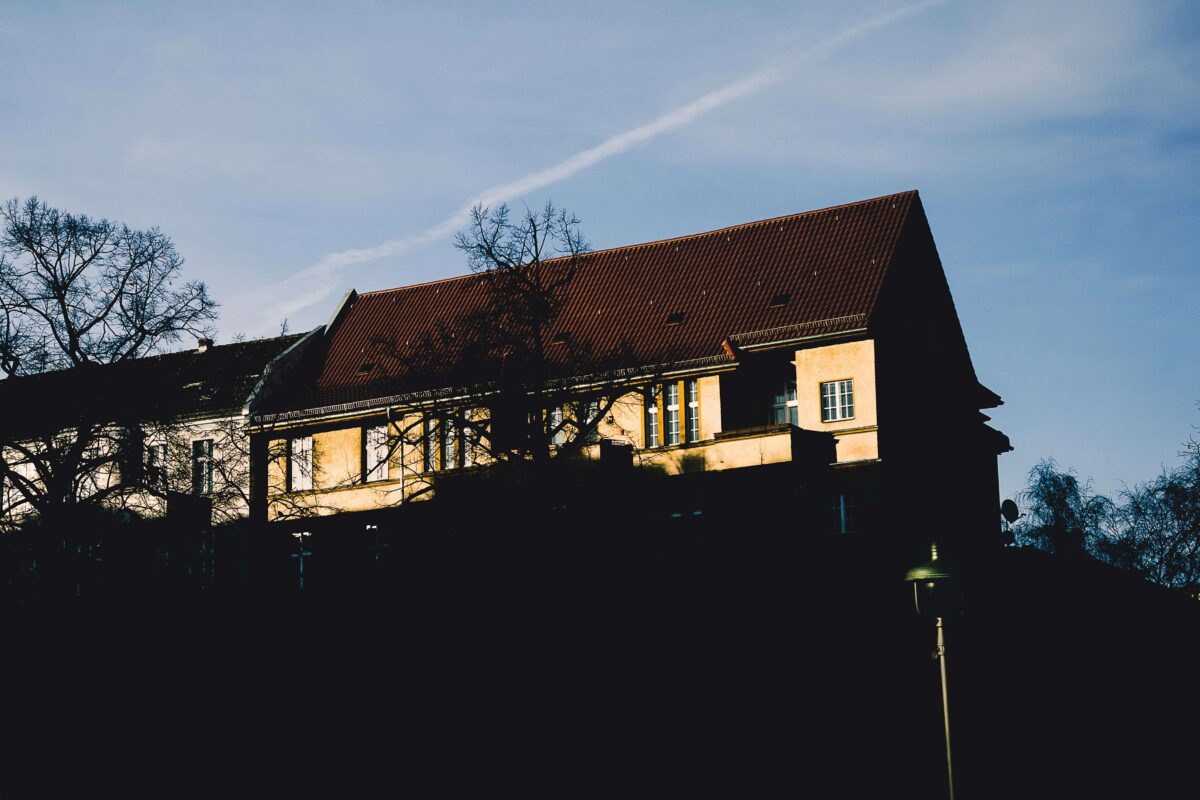
Yet we can’t achieve as strong contrast as there is in the real world. When under your table there is 100s of times less light than when you look out of your window, you don’t perceive it. But you can very well see the contrast between the window frame and the brightness outside.
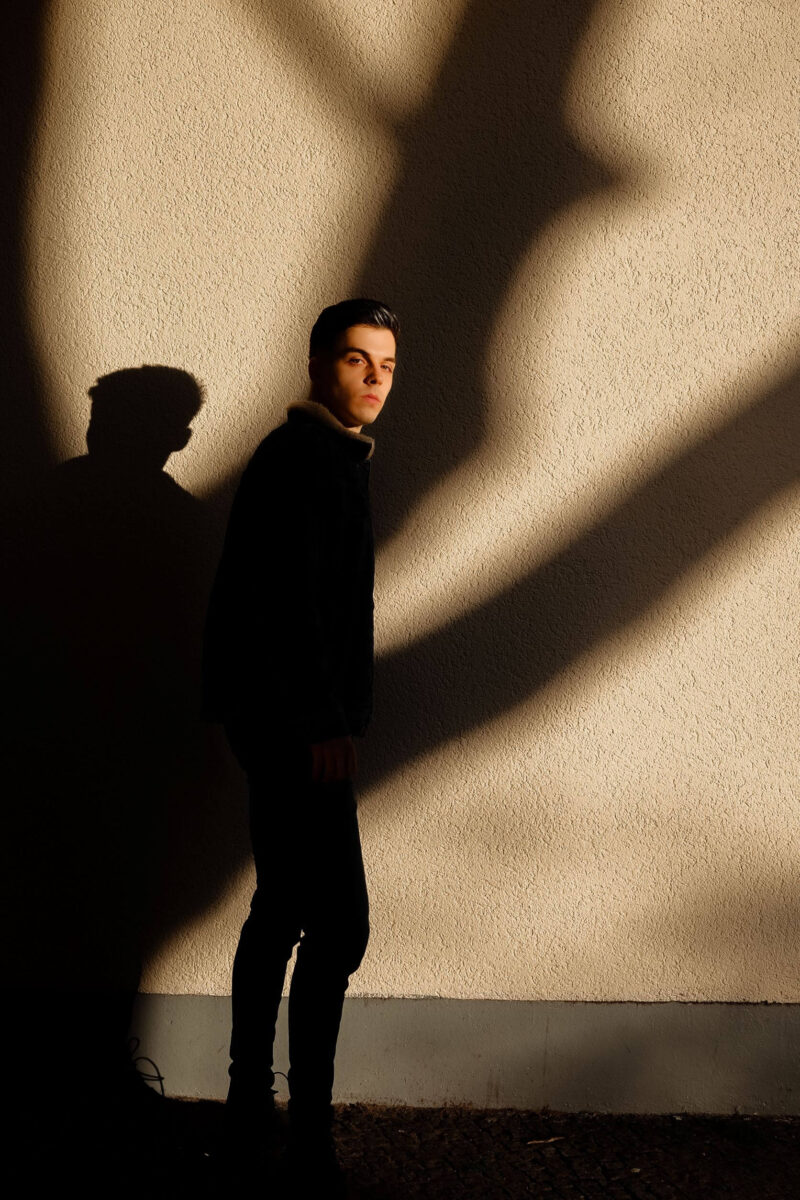
The contrast in photography is different because you can’t have 100s of times difference between the shadows and highlights since we are limited to this medium. On paper or on the screen you will have a difference of 10-20 times but not more. So when setting up high contrast sometimes you can easily spread approximately the same contrasts across the whole image. And it shouldn’t be the case since equal contrasts will attract the viewer’s attention in the same way. So if you want to photograph anything in particular it’s better to have stronger contrast on this subject.

Light contrast may make your images look airier and meditative.

It’s harder to create images with lower contrast since then you have this problem with having most of the details even in the shadows. But of course, you can add back some contrast to parts of an image.
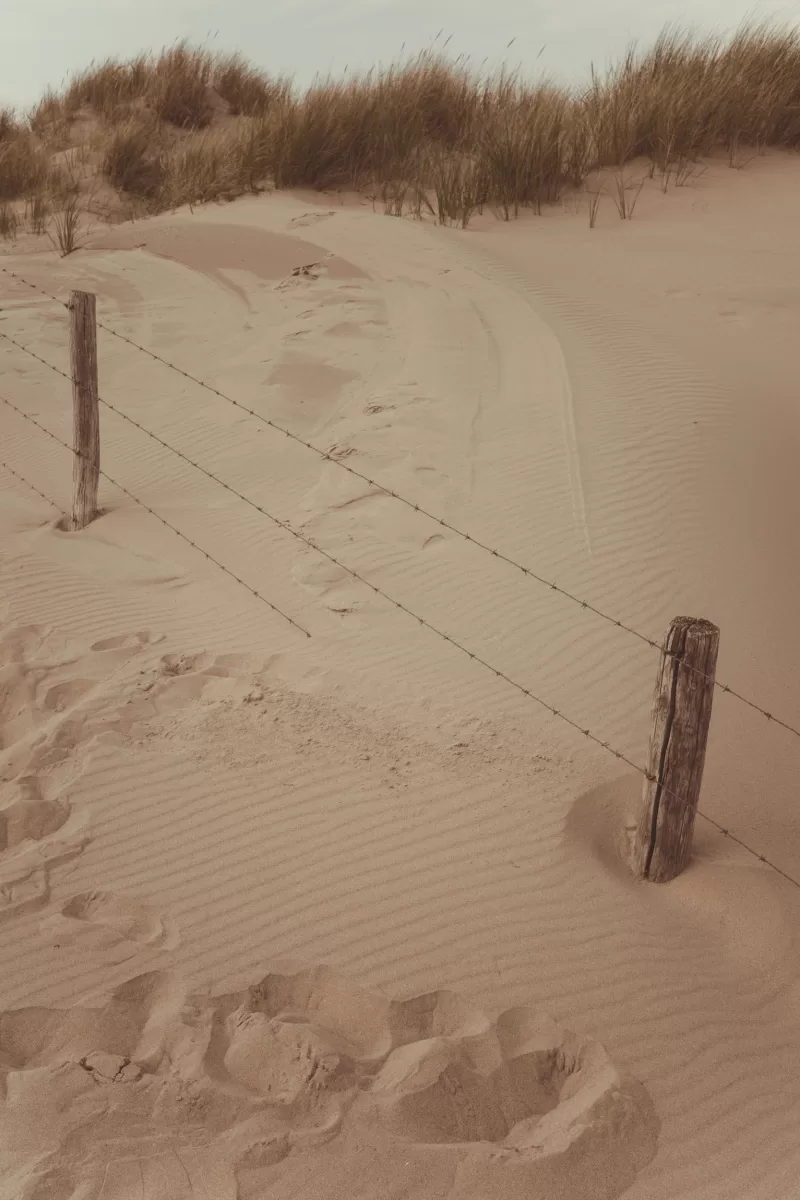
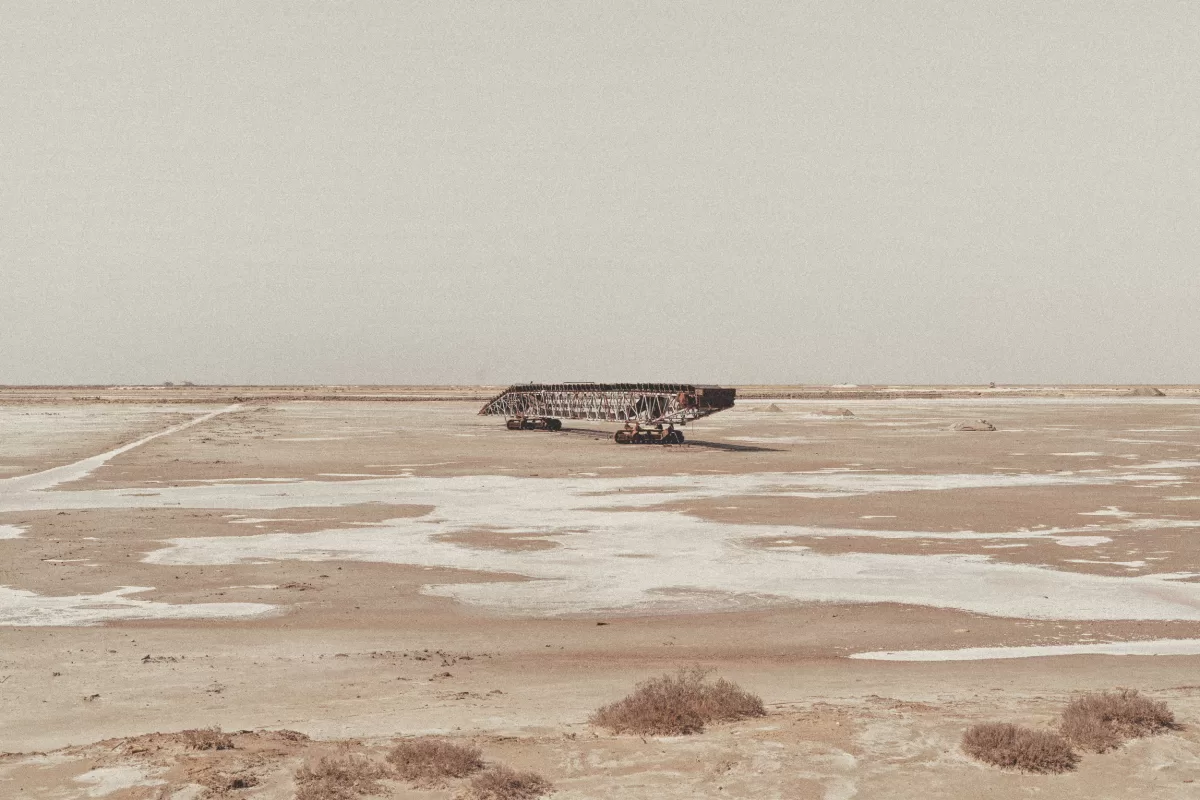
These are very simple images but they are showing that the low contrast can be used in a quite artistic way. You need to take in mind the details that you gain in the shadows.
Contrast in photography on a sunny day.
So when it’s sunny I would not recommend trying to get all of the details in the shadows, unless you have a top full-frame camera or, better, medium format. I would go for strong contrast and get my subject in the spots of light. while getting the shadows even darker than they are.

Contrast in photography on a cloudy day
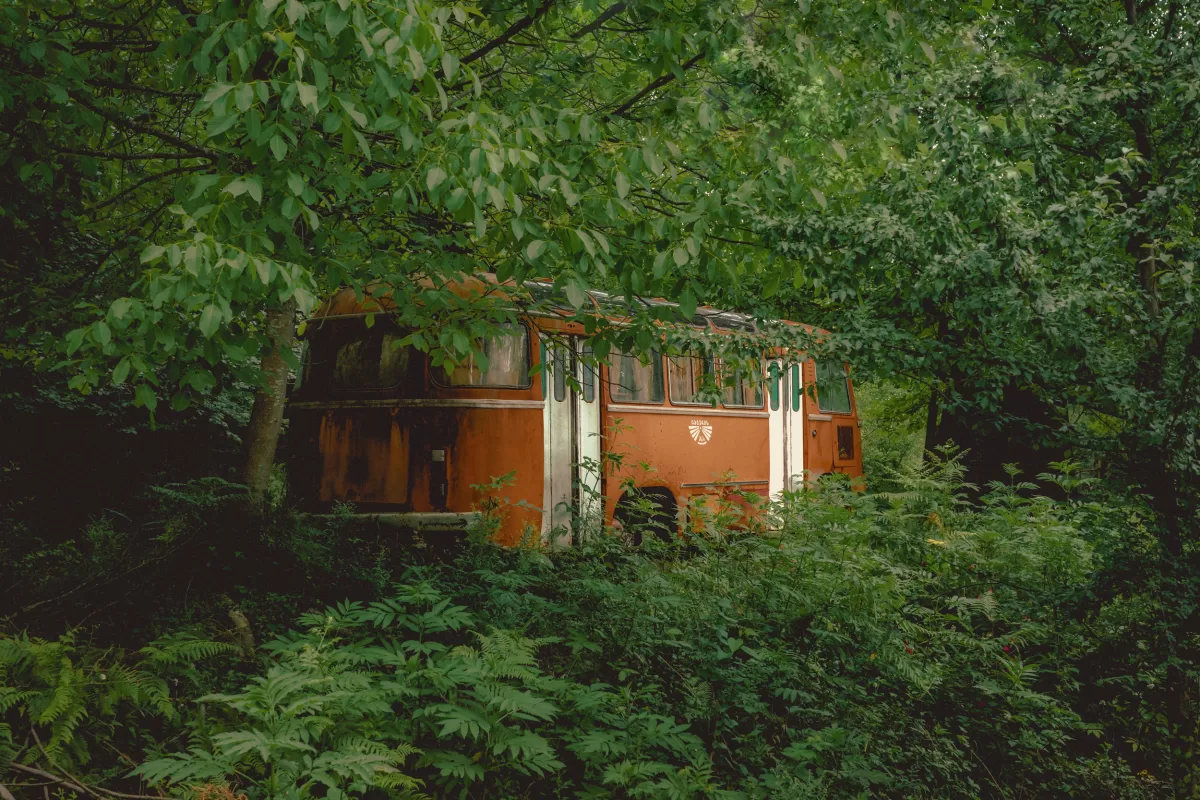
Since during cloudy weather the light is very soft, I lately try to lower the clarity and contrast. Otherwise, I capture all of the textures and details that I do not always need. You can keep contrast on the main subject but it’s better to not have all the textures on all surfaces in the frame.
Pay a lot of attention to the contrast in photography
So in the end, I would like to say, try to find your contrast. What pleases your eye more? Maybe it won’t be similar to what I have shown here but you need to know which lighting conditions are better for which contrast. Remember that low contrast can be even more artistic, you just need to know how to apply it.
Thanks for reading till the end. If you liked the post and would like to support me, please subscribe to my newsletter and you will never miss a new post.